Cookies
We use optional analytics cookies to understand how Inkbolt is used. Reject anytime. Privacy Policy


Format
Narrated video presentations from dense training documents
Upload a PDF and Inkbolt drafts a slide-based training video with a script, voiceover, and animated visuals. Review the structure before publishing and export a finished MP4 for your LMS or content library.
18 built-in themes
Choose from 18 themes with text animation and chart motion. Inkbolt keeps slide headers and page numbers consistent across every slide in the deck.
Script and narration in one pass
Inkbolt writes the narration, builds the visuals, and records the voiceover from your source document in one pass.
Review and edit before publishing
Adjust narration, swap visuals, and reorder scenes before the final export. Keep control of the training video before learners see it.
Export as video or slides
Export a finished MP4, or download the deck as a PDF or PowerPoint file to reuse the slides elsewhere.
Visuals
See it in action
Every presentation uses one of 18 built-in themes, with running slide headers and page numbers kept consistent across the deck. Here is the same kind of slide in three of them.
 Executive Cobalt
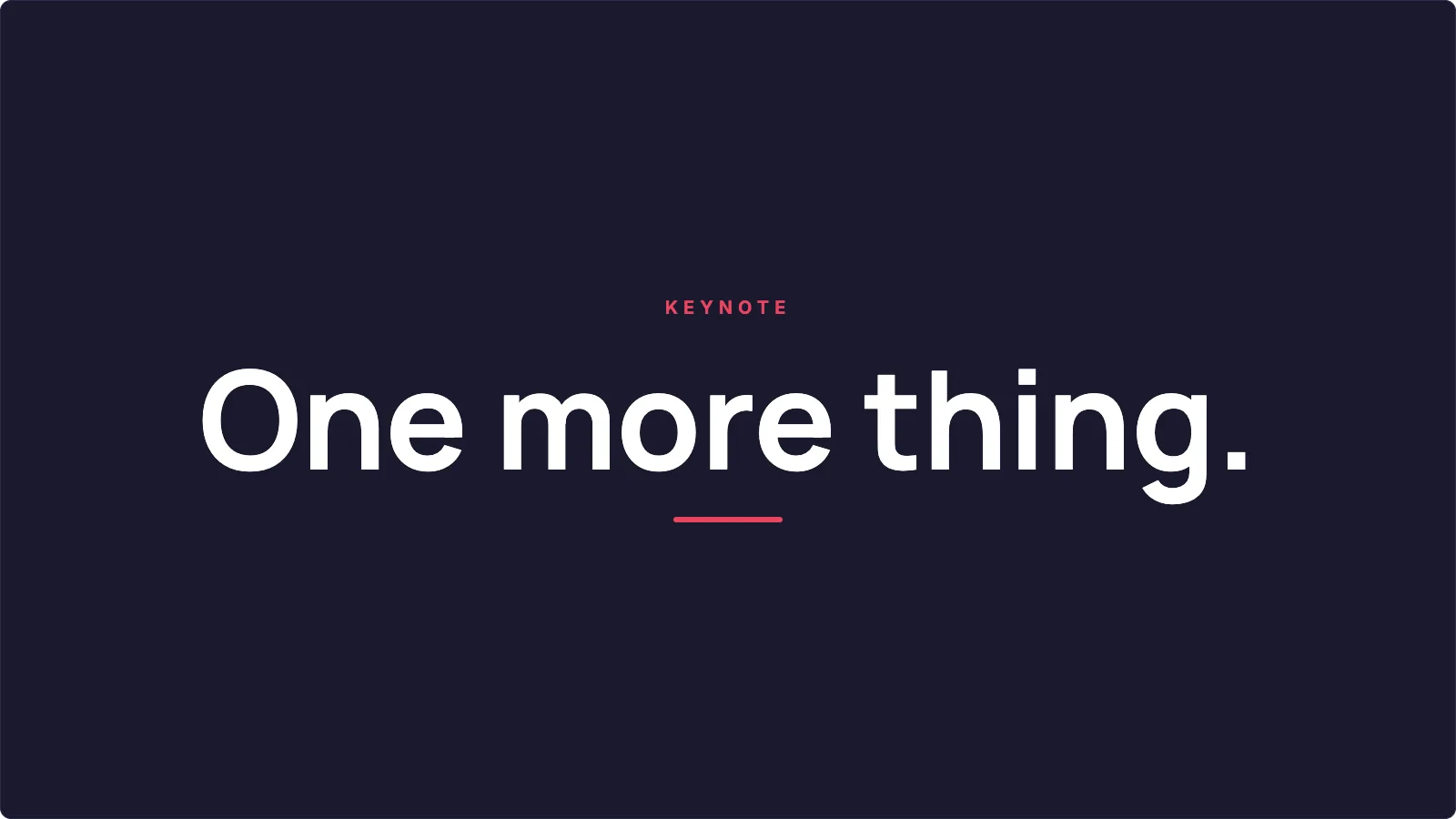 Midnight Minimal
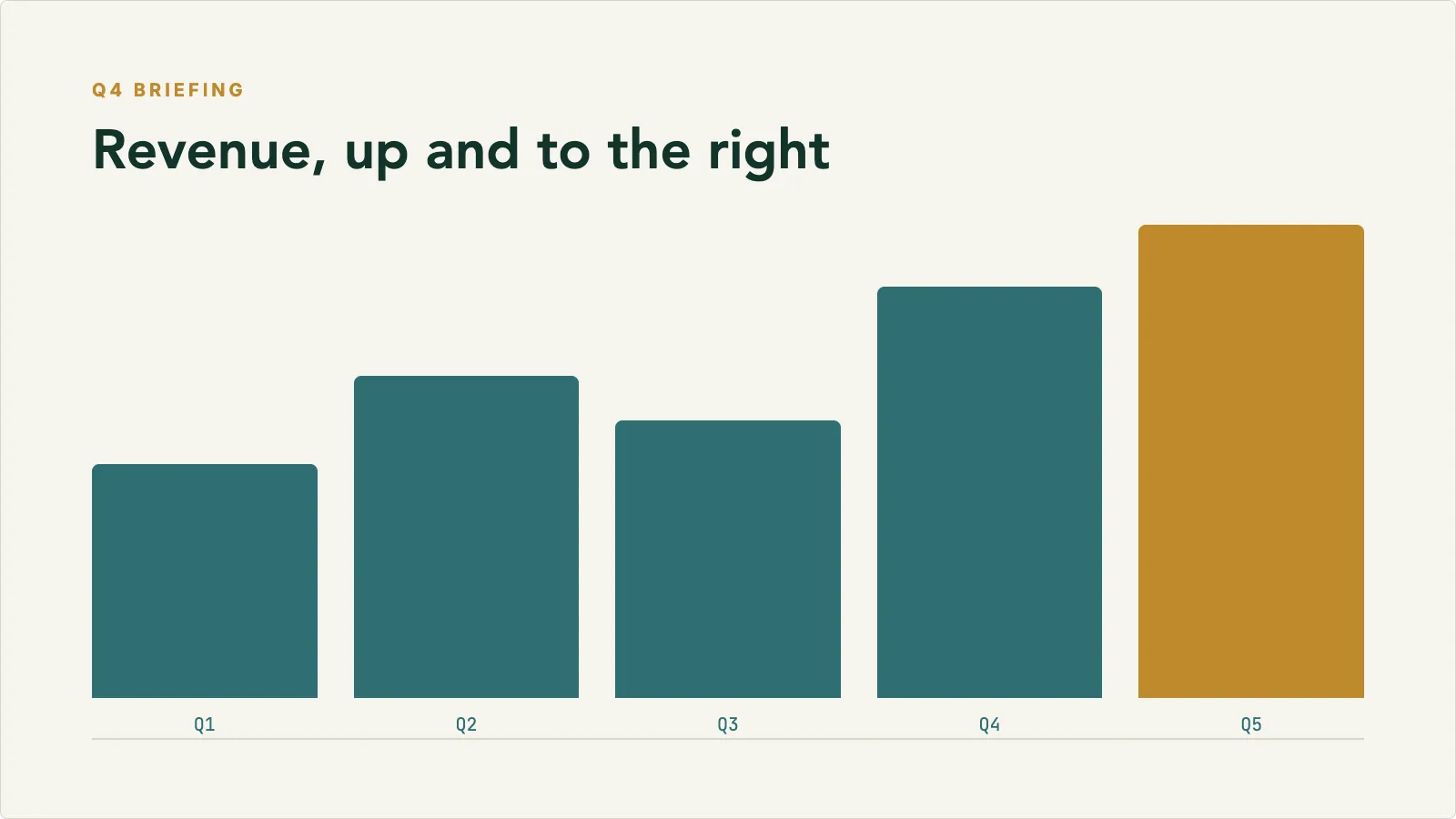 Finance Briefing
Process
How it comes together
Start with the material you already have, then shape the draft into something you can publish or share.
Upload the source document
Pick the pages you want to cover, set the duration, and choose the presentation format.
Review the storyboard
Inkbolt maps the content into slides with narration. Adjust pacing and messaging before rendering.
Export and share
Download the finished MP4 for internal distribution, LMS upload, or client delivery.
Use cases
Where it works best
The use cases and audiences this format fits.
Training and onboarding
Build reusable training videos from existing documentation
- Turn SOPs, onboarding guides, and policy docs into consistent narrated videos
- New hires get the same content every time, delivered at their own pace
- Update the video when the source document changes, without rebuilding from scratch
Creators and consultants
Turn source material into narrated video modules
- Convert research notes, scripts, and client materials into structured videos
- Produce narrated modules without recording every voiceover yourself
- Publish to a content library, client portal, or async learning tool
Stakeholder communication
Share reports and briefs in a format people will open
- Convert dense reports into a short narrated summary that is easier to circulate
- Give stakeholders something they can watch instead of another long PDF
- Keep the message consistent whether the audience watches now or later
FAQ
Common questions
Answers to the questions that come up most.
When should I use a presentation instead of whiteboard?
Presentation fits content with a clear structure where the audience expects an organized, polished output. Whiteboard fits ideas that need to build gradually, with a more guided, step-by-step reveal.
Do I need to write the narration myself?
No. Inkbolt writes the script from the source document. You can edit individual narration snippets after generation if something needs adjusting.
What source material works best?
Structured PDFs work best, including reports, training materials, policy documents, slide exports, product briefs, and research summaries. You can also select specific pages rather than using the whole document.
Can I update the video after the first generation?
Yes. Pro and Scale plans support transcript edits and image regeneration so you can fix specific scenes without rerendering the whole project.
Get started
Start with the material you already have
Upload a document, choose the video style, and let Inkbolt produce the first version in minutes.