Cookies
We use optional analytics cookies to understand how Inkbolt is used. Reject anytime. Privacy Policy


Solution
Video training from the documents your team already maintains
Inkbolt turns the SOPs, onboarding guides, policy manuals, and internal PDFs your team already maintains into narrated training videos.
Build from source documents
Turn policies, manuals, and process docs into watchable video modules without rewriting the material first.
Reduce one-off production work
Start with the material you already have. Inkbolt drafts the script, slides, visuals, and voiceover. You review and publish.
Keep updates close to the source
When the documentation changes, update the related scenes without managing a separate training asset from scratch.
Visuals
See it in action
A finished training slide in one of 18 built-in themes. Pick the look once and Inkbolt keeps headers and page numbers consistent across every slide.
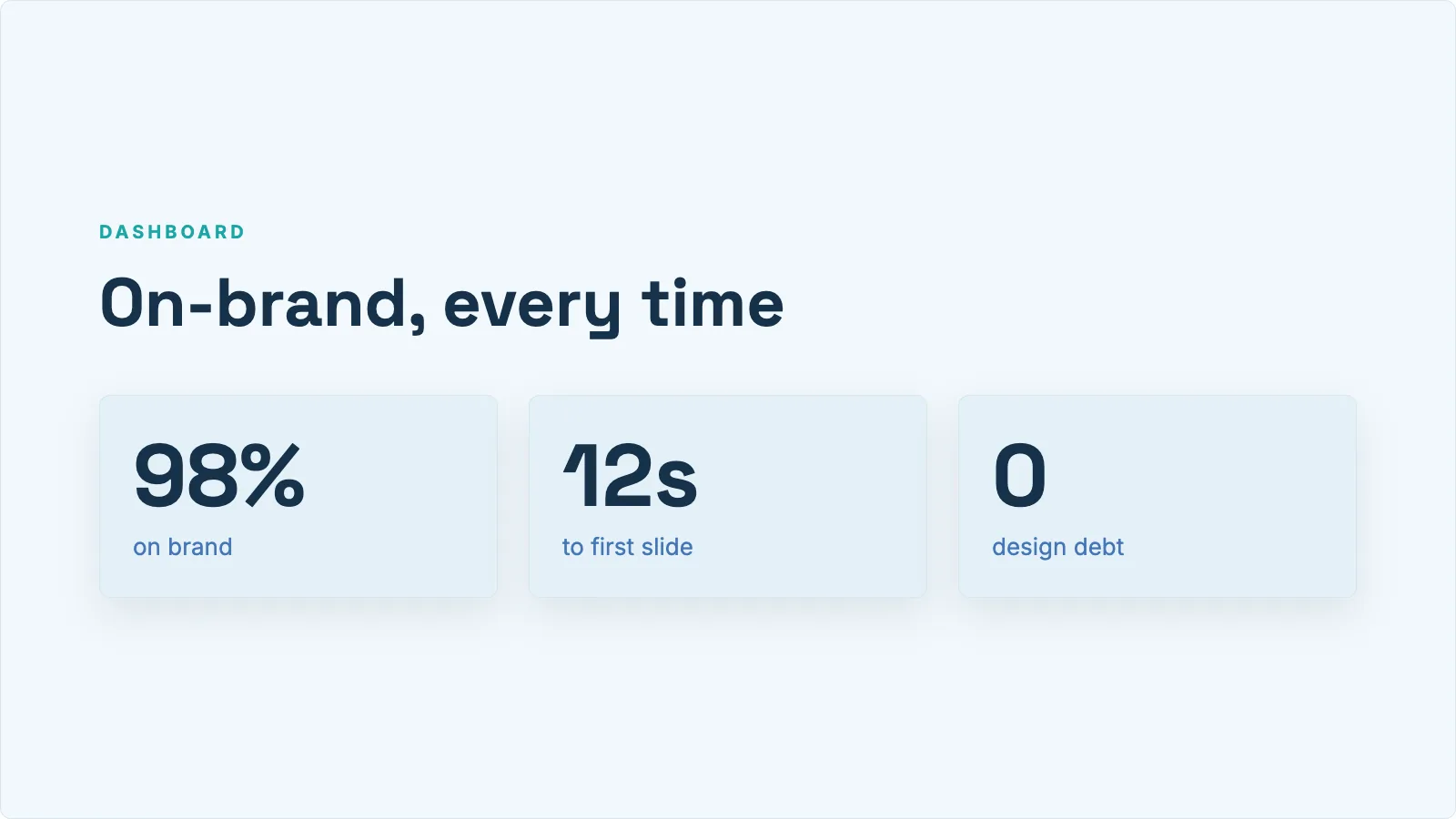 Clean Blue
Process
How it comes together
Start with the material you already have, then shape the draft into something you can publish or share.
Upload the current training material
Start from SOPs, onboarding decks, policy docs, or internal guides. Pick the pages that matter for the training video.
Choose how the lesson should play
Use presentation-style for formal training, or whiteboard animation for process steps and concept-driven content.
Review before rollout
Use storyboard and editing tools to adjust pacing, wording, and visuals before sharing the final MP4 with new hires, customers, or distributed teams.
Use cases
Where it works best
The use cases and audiences this format fits.
Onboarding
Give new hires a clearer path into the material
- Turn repetitive onboarding topics into reusable narrated videos
- Help new employees absorb the basics before live sessions or manager walkthroughs
- Cut the manual walkthrough time managers spend on each new hire
Operations
Explain procedures more consistently
- Use SOPs as the source of truth for training videos
- Standardize how process updates are communicated across teams
- Create internal videos without needing a dedicated production team
Distributed teams
Support async learning across teams
- Share the same video across time zones and departments
- Build multilingual variants from the same source document
- Keep training content available after the live session or policy rollout ends
FAQ
Common questions
Answers to the questions that come up most.
What training materials can I start from?
SOPs, onboarding decks, employee handbooks, policy documents, and product training PDFs all work as starting points. The more structured the source document, the cleaner the first draft.
Can training teams control what pages are used?
Yes. You can pick page ranges so one long source document can become several focused training videos.
Is this better for internal training or customer education?
Both work. The workflow is the same either way. The main difference is audience and tone, which you shape during review.
Can we revise a lesson after it is generated?
Yes. Pro and Scale plans support storyboard adjustments, transcript edits, and image regeneration, so updates do not require a full rebuild each time.
Get started
Start with the material you already have
Upload a document, choose the video style, and let Inkbolt produce the first version in minutes.