Cookies
We use optional analytics cookies to understand how Inkbolt is used. Reject anytime. Privacy Policy


Features
How Inkbolt works
Two formats, full storyboard control, multilingual narration, and scene-by-scene editing. Here's how it all works.
Themes
18 built-in presentation themes
Every video presentation uses one of 18 themes. Pick the look that fits your audience, and Inkbolt keeps slide headers and page numbers consistent across the deck.
 Executive Cobalt
 Midnight Minimal
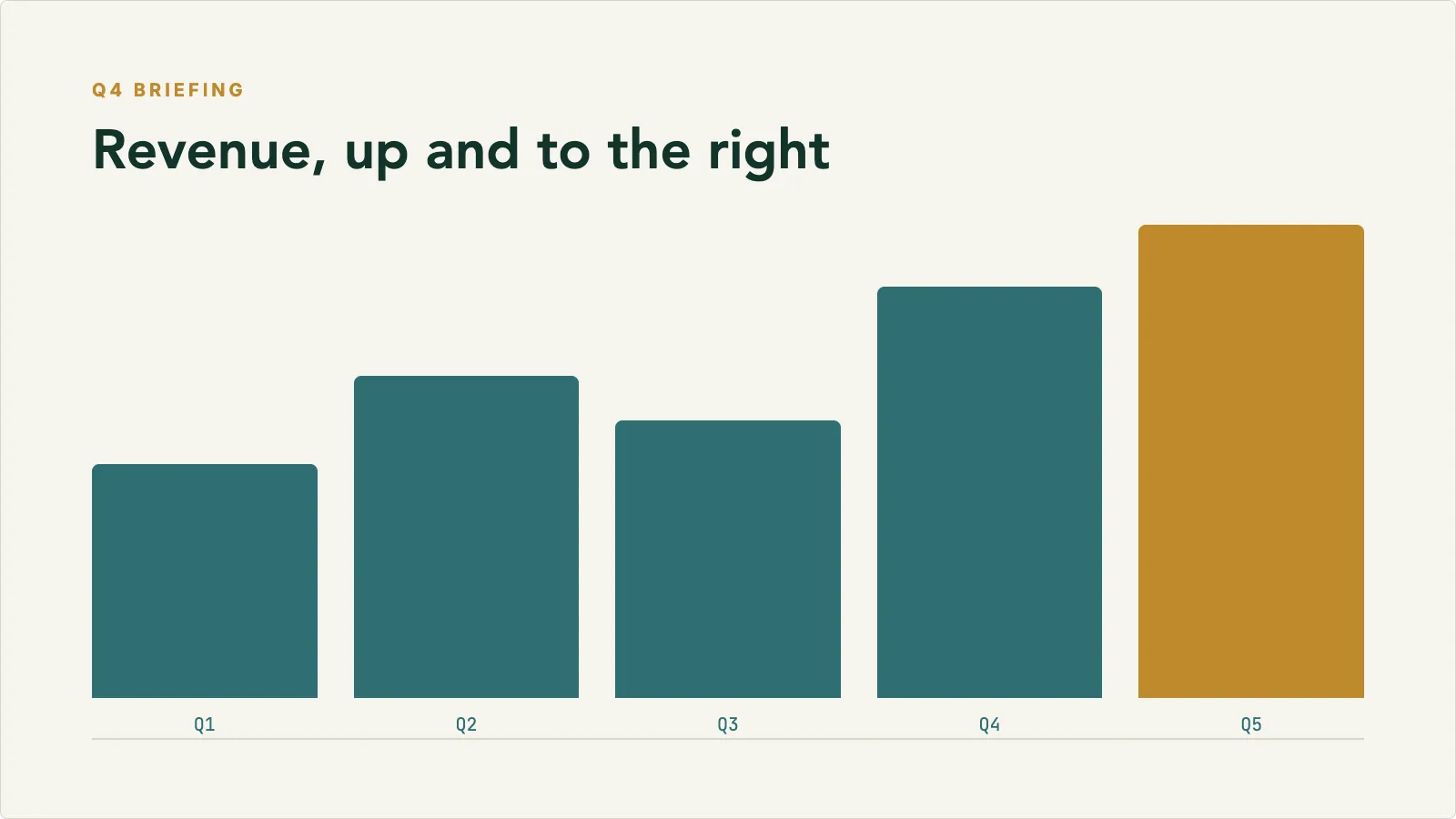 Finance Briefing
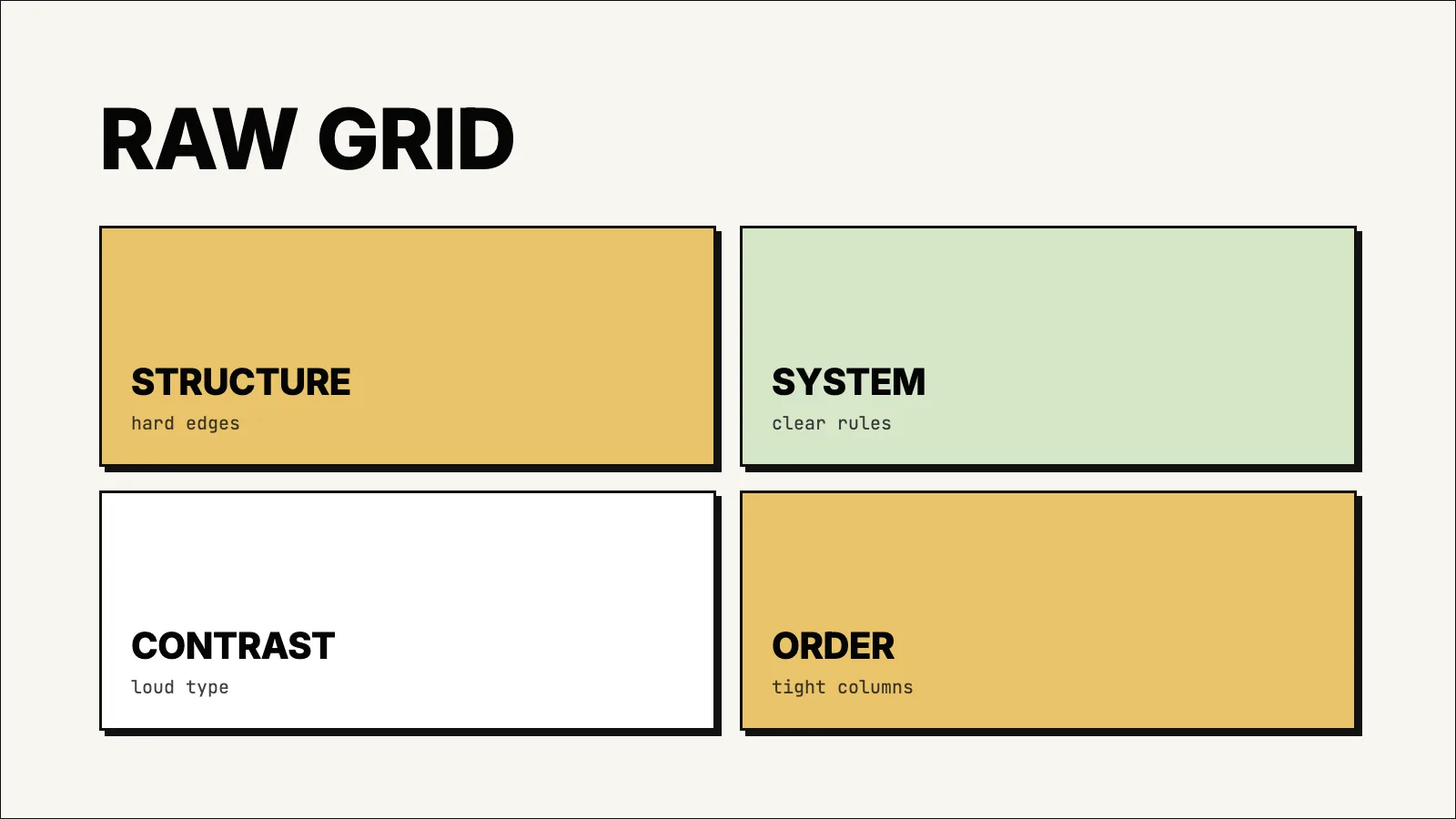 Hardline Grid
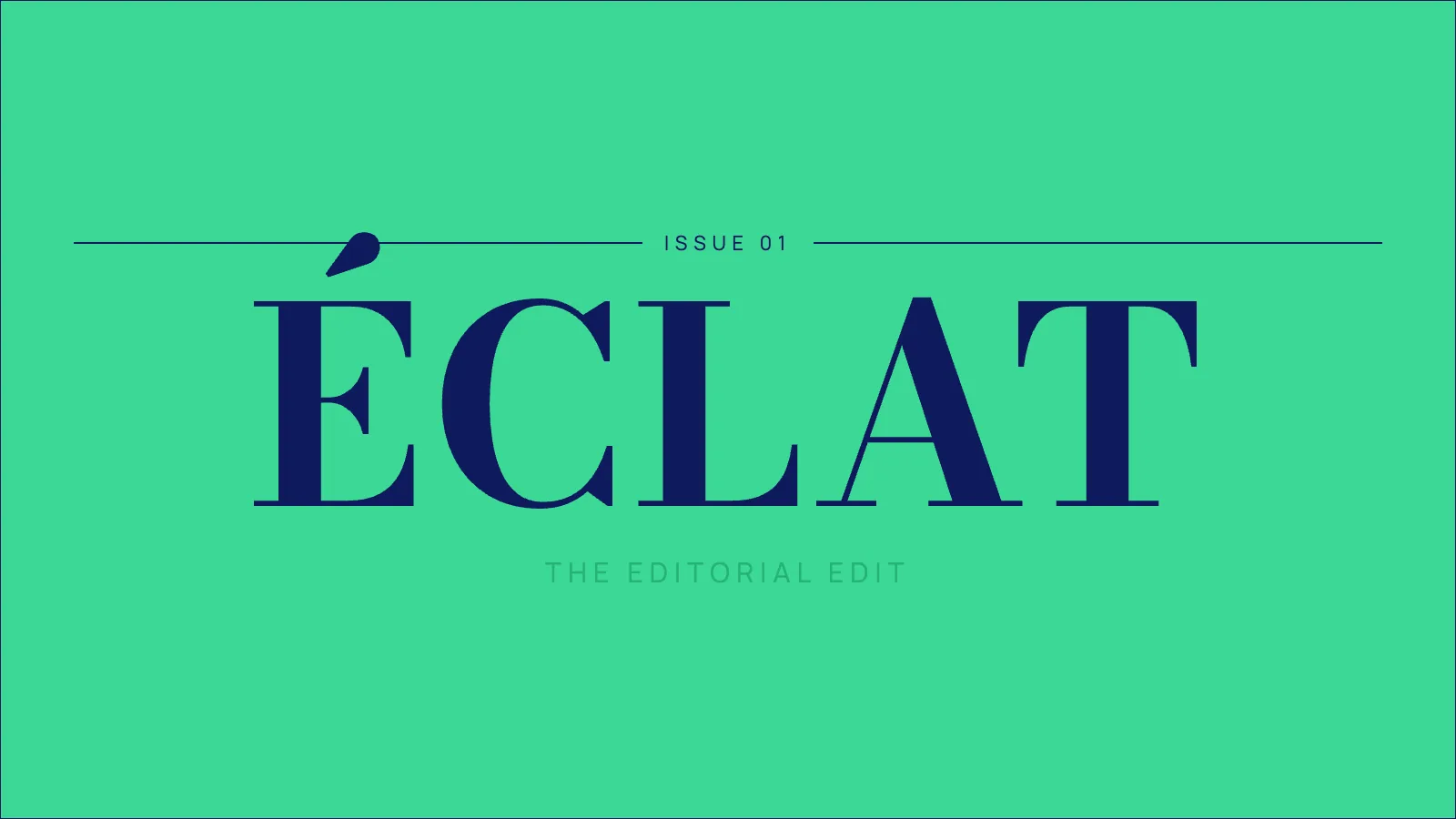 Jade Masthead
 Retro Terminal
Credits
One credit, one minute
One credit is one minute of video. A 3-minute video costs 3 credits, a 5-minute video costs 5 credits.
1 credit / min
Make a video presentation. A 5-minute video costs 5 credits.
1 credit / min
Make a whiteboard animation. A 5-minute video costs 5 credits.
0.25 or 1 credit
Regenerate an image for 0.25 credits, or rerender an out-of-sync video for 1 credit. Transcript and slide edits are included. Pro and Scale only.
How credits work
- Credits are deducted when you submit a request, based on the duration you ask for.
- The final video may run slightly shorter or longer. Credits are based on the duration you asked for.
- Credits are granted at the start of each billing cycle.
- Failed renders do not consume credits.
Video Types
Two formats from one upload
Upload a PDF and choose how it should become a training video. Inkbolt handles the script, visuals, and narration.
Video Presentations
Narrated slides with text animation, animated charts, and custom themes. Fits training, briefings, and documentation-heavy walkthroughs.
Best for
- Training materials and onboarding
- Stakeholder briefings
- Policy updates
- Product documentation
Whiteboard Animations
A hand-drawn video that builds ideas step by step. Fits process explainers, training modules, and dense concepts.
Best for
- Process explainers
- Training modules
- Concept walkthroughs
- Source-driven creator content
Editing & Storyboarding
Refine before and after rendering
On Pro and Scale plans, every video is editable. Change what needs work, keep what doesn't.
Image regeneration
Not happy with a scene visual? Swap any individual image for a new one. Each regeneration costs 0.25 credits.
Transcript and slide edits
Update transcript text and, in Video Presentations, slide content at no direct credit cost. If the video is out of sync after your edits, regenerate it for 1 credit.
Storyboarding
Before generating the full video, review and adjust the sequence of scenes, visuals, and narration so the final render is exactly what you want.
Video regeneration
If a video is out of sync after edits, regenerate the full video for 1 credit to apply the latest changes.
Editing is available on Pro and Scale plans.
Multilingual
Publish in four languages
Pick a language and Inkbolt writes the script, narrates, and renders the entire video in it.
Pick a language and the script, on-screen text, and narration all come out in that language. The same PDF can produce versions for different markets, and each one costs the same credits as any video of the same length.
Supported languages
Need another language? Contact us and we'll let you know what's coming.
Multilingual is available on Pro and Scale plans.
Video Quality
Resolution that fits your use case
Higher quality means larger files and longer render times. Pick what fits where the video will be watched.
Resolution
1280 × 720
Frame rate
24 fps
Crisp and clear for web sharing, presentations, and internal use. Renders faster.
Resolution
1920 × 1080
Frame rate
30 fps
Full HD for client-facing content, LMS uploads, and polished external delivery.
Storage & Uploads
Upload limits explained
Each plan has two upload limits: the maximum size per file, and the total you can upload per month.
Max file size
The largest individual PDF you can upload in a single upload. A 10 MB limit is roughly 200 to 400 pages of text-based PDF. The 50 MB limit covers dense image-heavy documents.
Monthly upload limit
The total size of all PDFs you upload in a billing month. Resets with your subscription. Generated videos don't count toward this.
| Plan | Max file size | Monthly upload | Pages per video |
|---|---|---|---|
| Free | 10 MB | 50 MB | 10 |
| Basic | 10 MB | 512 MB | 20 |
| Pro | 50 MB | 1 GB | 30 |
| Scale | 50 MB | 10 GB | 50 |
Ready?
Start with the document you have.
Every account starts free. No credit card required.