Cookies
We use optional analytics cookies to understand how Inkbolt is used. Reject anytime. Privacy Policy


Document to training video
Publish-ready training videos in minutes
Inkbolt turns PDFs, manuals, standards, and course material into narrated training videos. Review the storyboard, edit each scene, then export a finished MP4.
Formats
Two formats. Same source document.
One source file. Pick the format that fits your audience and where you'll publish.
Output
Real videos. Real documents.
Two finished videos drafted from real documents, in both formats.
Themes
One document, many looks.
Presentations ship with 18 built-in themes. Pick the one that fits your audience, or contact us to build your own.
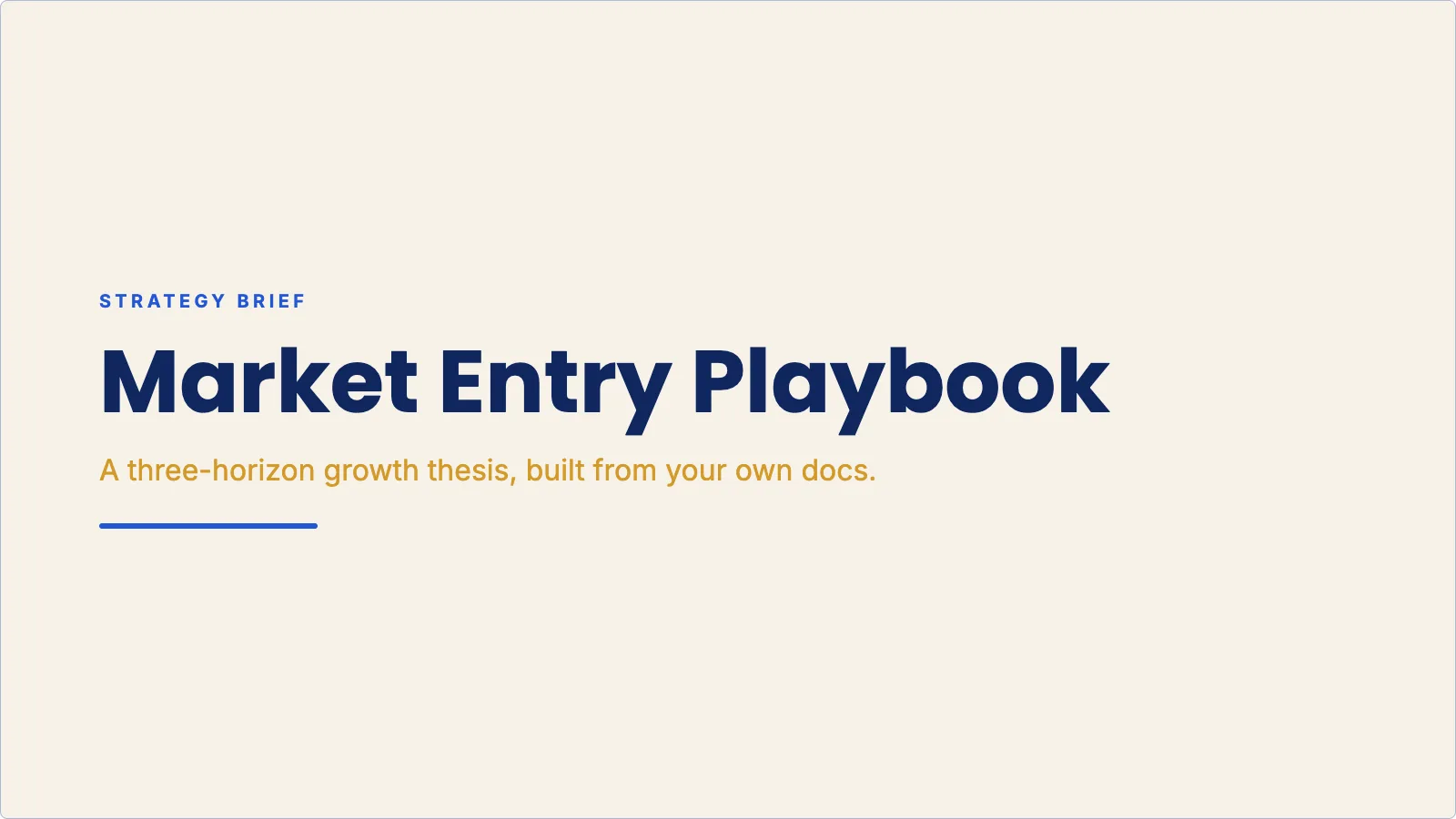 Executive Cobalt
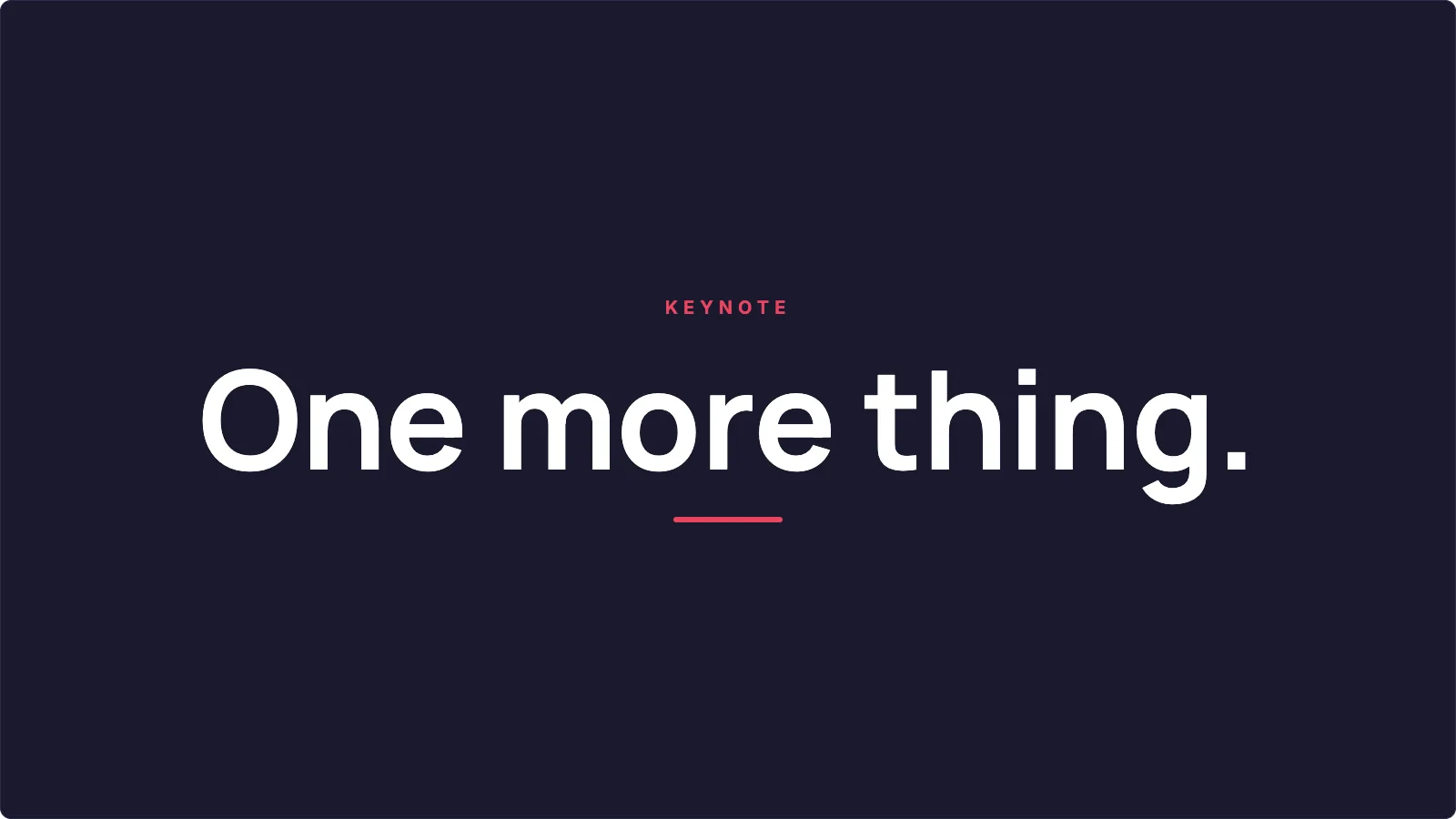 Midnight Minimal
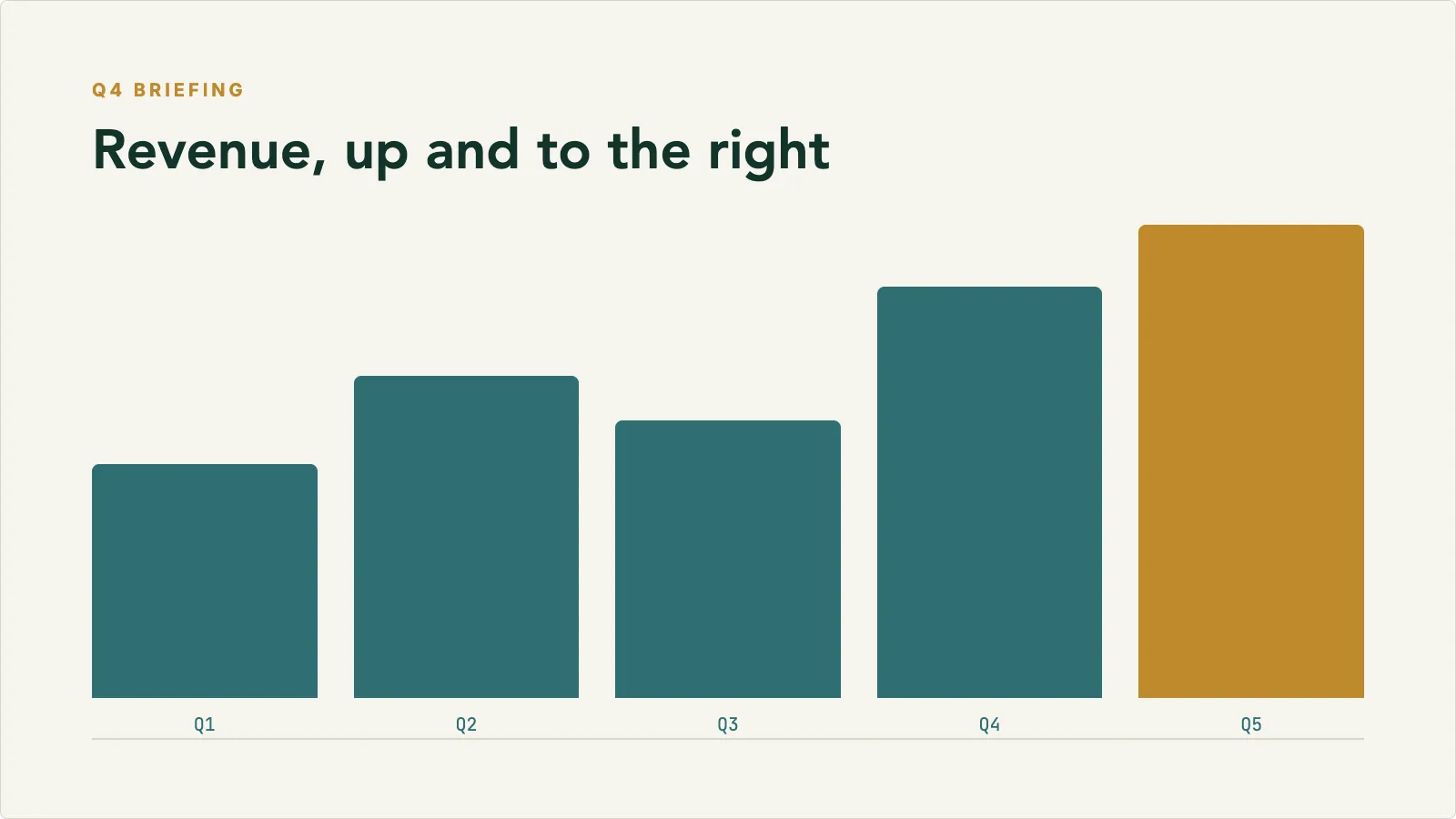 Finance Briefing
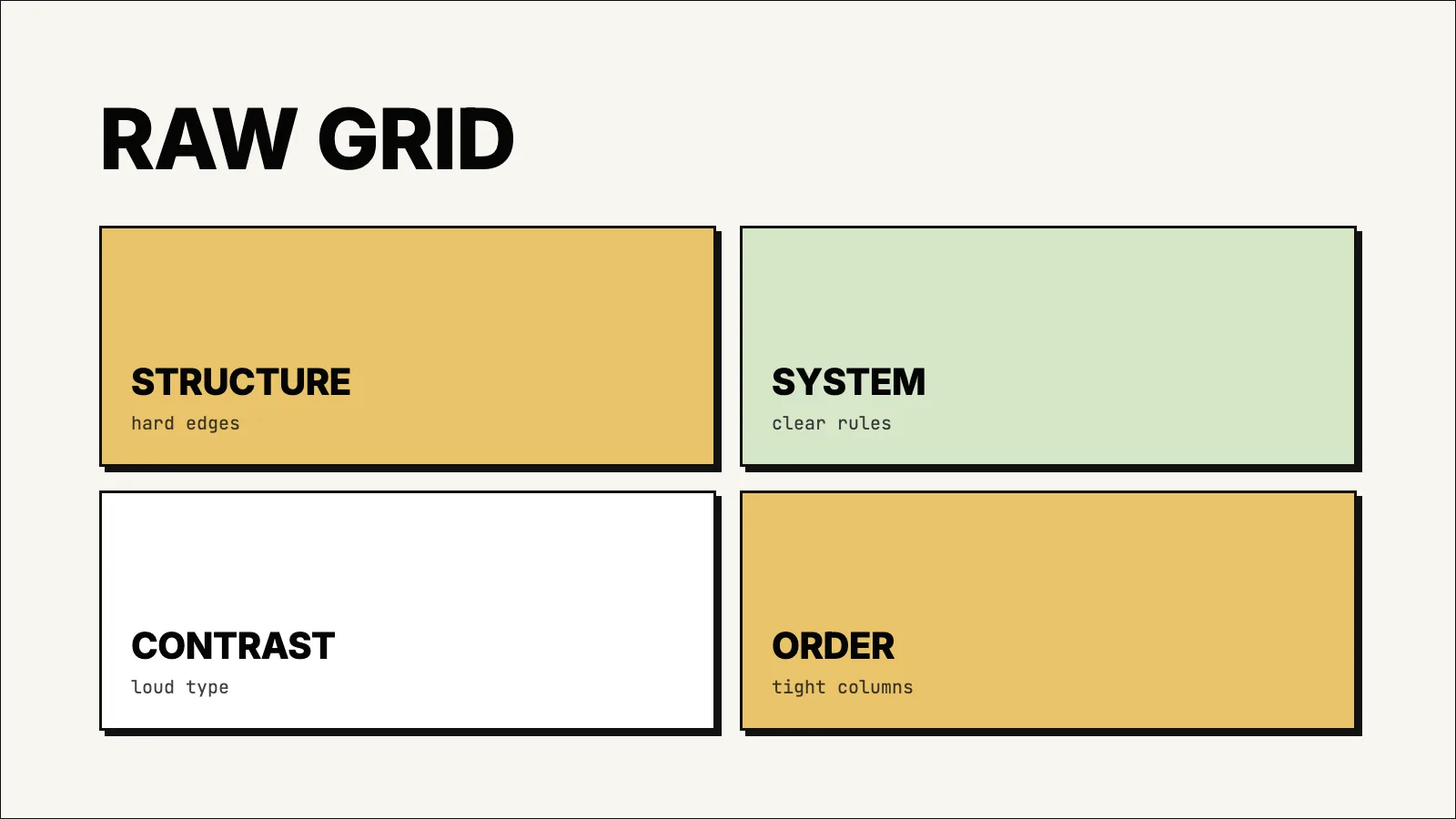 Hardline Grid
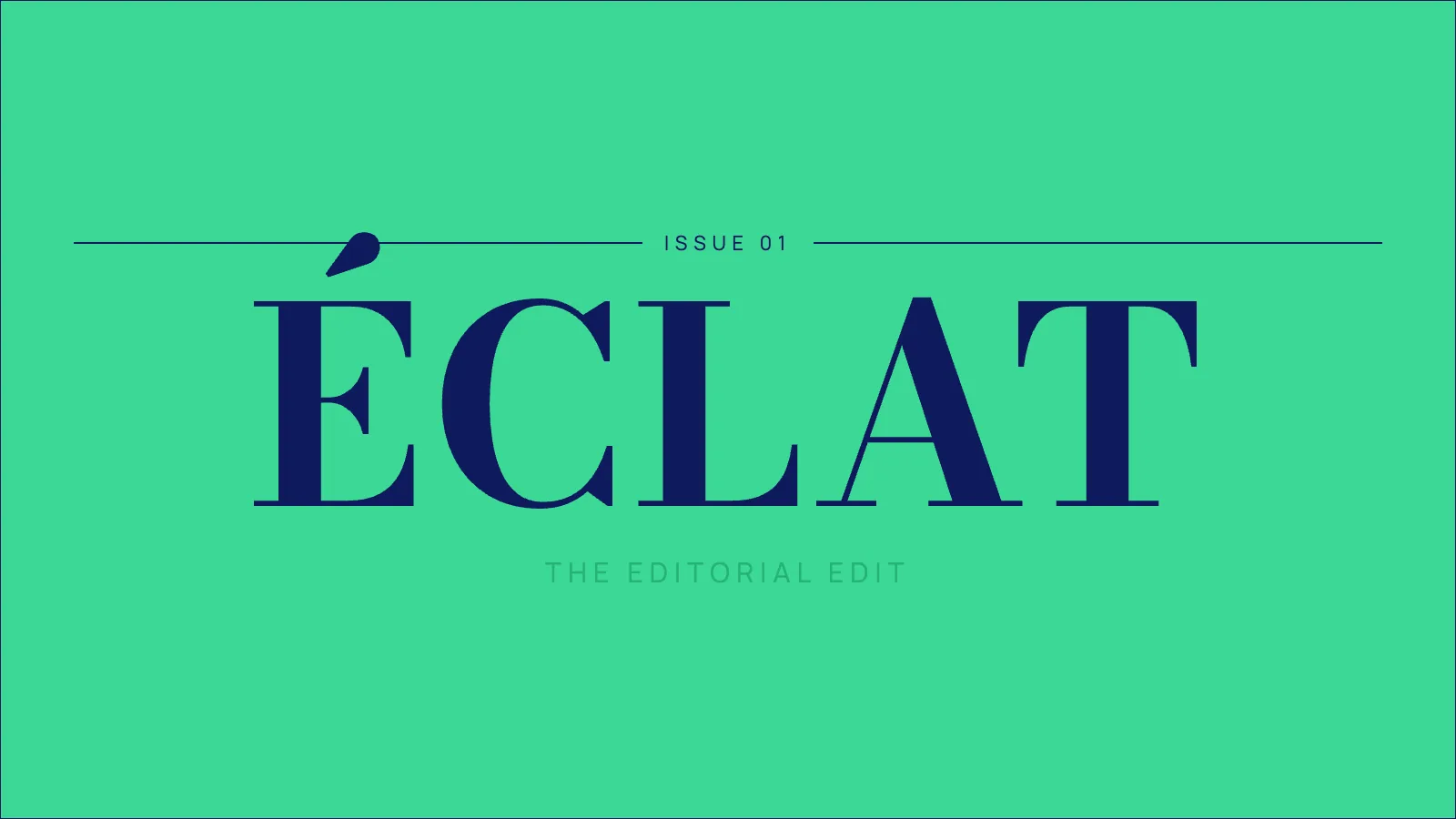 Jade Masthead
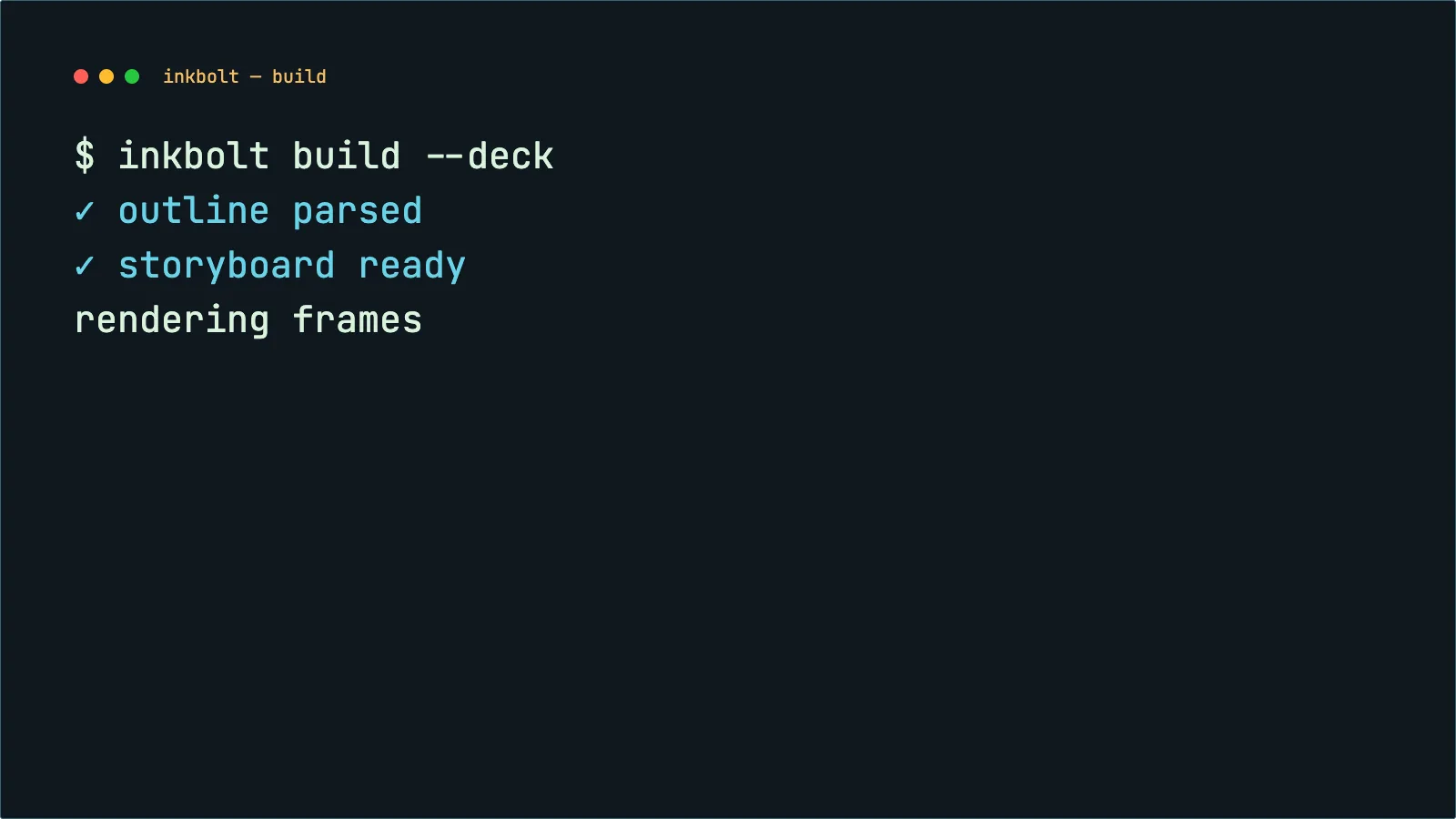 Retro Terminal
Capabilities
Built so you spend time on the scenes that need you.
Inkbolt drafts the narration, visuals, and structure together so you can focus on the scenes that need your judgment.
Script and voiceover
Inkbolt reads the source document and drafts the script and voiceover. You set the duration and language.
Scene visuals
Diagrams, illustrations, charts, and slide content are built for each scene to match the narration.
Editing and storyboarding
Review the storyboard before rendering, regenerate a scene, and rewrite any line. Available on Pro and Scale.
Multilingual
Publish in English, French (France), French (Canada), or Spanish. Script, narration, and on-screen text all translate together.
Export options
Export a finished MP4 for your LMS, course platform, or library, or download the presentation slides as a PDF or PowerPoint file.
Who it's for
Built for finance, securities, insurance, and compliance course providers.
How it works
How it works.
Upload the source document
Pick the pages you want and the format: presentation or whiteboard.
Draft the video
Inkbolt drafts the script, visuals, and voiceover in your chosen language.
Review and refine
Review the storyboard, regenerate scenes, and edit any line before the final render. Pro and Scale.
Export and share
Download a finished MP4 for your LMS, course platform, or content library.
Pricing
Plans for every video workflow
Test the workflow, add storyboard review, then scale production across a shared training library.
Billing
Official prices are USD. CAD is available at checkout.
Currency
Need a custom plan?
Higher volume or larger teams.
Basic
For testing document-to-video workflows with 50 credits each month.
Also available as CA$50 CAD / month
- 50 credits / month
- Up to 5-minute videos
- Medium quality (720p)
- Presentation and whiteboard formats
- Up to 20 pages per video
- 512 MB storage
Pro
For solo creators and small teams with 150 credits, storyboard review, and multilingual delivery.
Also available as CA$250 CAD / month
- 150 credits / month
- Up to 5-minute videos
- Medium quality (720p)
- Storyboard review and scene edits
- Multilingual videos
- Up to 30 pages per video
- 1 GB storage
Scale
For teams producing larger training libraries with 400 credits and shared workspaces.
Also available as CA$800 CAD / month
- 400 credits / month
- Up to 15-minute videos
- High quality (1080p)
- Shared workspaces for teams up to 5
- Storyboard review and scene edits
- Multilingual videos
- Up to 50 pages per video
- 10 GB storage
Every account starts with a free tier. No credit card required.
FAQ
Frequently asked questions
Everything you need to know before you start.
From the blog
Guides on turning documents into training videos
Get started
Start with the document you already have.
Free to start. Draft a video from a source document, then refine the scenes that matter before publishing.